

- Home
- Wi-Fi installation
- Office WiFi installation London
Office WiFi installation London
A modern office relies on WiFi for far more than connecting laptops to the internet. Video meetings, cloud applications, phones, desk-booking systems, printers, meeting-room technology and building services can all depend on the same wireless infrastructure.

SEGwifi provides professional office WiFi installation in London, creating wireless networks designed around your organisation's device count, layout and working patterns.
Whether you are moving into a new office, completing a commercial fit-out, expanding your workplace or replacing a network that struggles at busy times, we can survey, design and install an office wireless system built for reliable day-to-day performance.
Professional office WiFi installation for London workplaces
Office WiFi can appear simple. In reality, providing coverage across a floor is only one part of the challenge.
An office may show a strong WiFi signal everywhere but still experience slow connections, poor-quality video calls or unreliable roaming when staff numbers increase. Why? Because wireless performance depends on capacity, not just coverage.
A single employee might use a laptop, smartphone and tablet alongside wireless peripherals. Add meeting-room systems, printers, sensors, digital displays, access-control equipment and other connected devices, and the number of clients on an office network can quickly become much higher than the number of people in the building.
Our approach to office WiFi network installation in London therefore considers how the workplace is actually used, rather than simply dividing the floor area by a standard number of access points.
Designing an office wireless network around the way you work
Every office is different. An open-plan workplace with 150 hot desks has different requirements from a professional-services office made up of individual rooms. A coworking space presents another challenge entirely, while multi-floor headquarters may need seamless roaming through meeting areas, breakout spaces, receptions and communal zones.
Effective office wireless network installation in London starts by understanding these differences.
Device density and capacity
Good office WiFi design considers the number of devices expected to use the network at peak times. This matters most in hybrid workplaces, where occupancy can vary dramatically through the week. A relatively quiet Monday can become a much busier Wednesday, with employees clustering in popular areas and meeting rooms.
The network needs enough capacity for those peak periods, not simply average daily occupancy.
Video calls and collaboration
Microsoft Teams, Zoom and other video platforms place continuous demands on an office wireless network. Unlike basic web browsing, video calls need reliable, sustained connectivity. Delays, packet loss and congestion quickly show up as frozen video, poor audio or dropped calls.
Meeting rooms and collaboration spaces should therefore be considered individually when designing an office WiFi system in London, particularly where several people may be joining online meetings at the same time.
Reliable WiFi roaming
Employees move around offices during the working day. They may start at a desk, move into a meeting room, take a laptop into a breakout space and then join a call elsewhere in the building.
A professionally designed wireless network lets compatible devices move between access points smoothly, maintaining a consistent connection rather than leaving devices attached to an access point that is now too far away.
Office WiFi surveys in London
Before recommending equipment or access-point locations, we can assess your workplace and its wireless requirements. A WiFi survey helps identify factors that could affect performance, including:
- Existing WiFi coverage
- Interference from nearby networks
- Building construction
- Glass partitions
- Lift shafts and structural cores
- Meeting-room density
- Ceiling construction
- Existing access-point positioning
- Device numbers
- Areas requiring particularly reliable connectivity
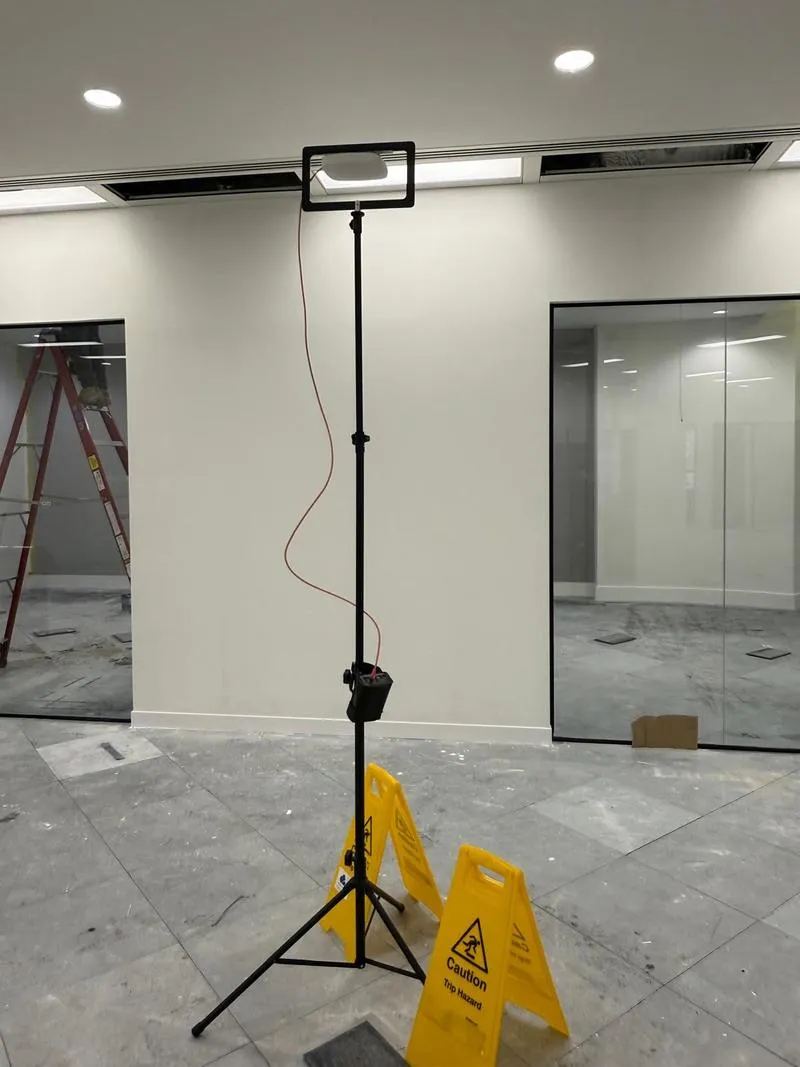
This measured approach removes much of the guesswork from office wireless installation in London. More on on-site surveys.
For a new office or fit-out, predictive modelling can also help determine access-point positions before construction is complete, so wireless infrastructure and cabling can be built into the wider fit-out programme.
Common office WiFi problems we can help resolve
Poor office WiFi does not always mean there are too few access points. In fact, adding more equipment without understanding the problem can sometimes create additional interference. Common problems include:
WiFi that slows down when the office gets busy
If the network performs well early in the morning but becomes noticeably slower as employees arrive, the issue may be capacity rather than basic coverage. Too many devices competing for the same radio resources can lead to poor performance even when users appear to have a strong signal.
Poor WiFi in meeting rooms
Meeting rooms are often overlooked during wireless design. Yet a room with ten or twelve people using laptops, smartphones and video-conferencing equipment at once can be one of the highest-density areas on an office floor.
Interference from other offices
London's multi-tenant office buildings create another challenge. Businesses on neighbouring floors and in adjacent units may all run their own wireless networks, and poor channel planning or excessively high transmit power can cause networks to compete. A professional survey considers this surrounding wireless environment when designing your network.
Access points in the wrong locations
Access-point positioning matters. Installing equipment based on convenient ceiling tiles, available cable routes or aesthetics alone can compromise performance. Building materials, metalwork, ducts, solid partitions and other obstructions all influence how wireless signals behave.
More on finding the real cause: office WiFi troubleshooting and why fast broadband can still mean slow WiFi.
Office WiFi for new office fit-outs
Planning a new London office or refurbishment is an ideal opportunity to design WiFi correctly from the beginning. Wireless requirements can be built in alongside electrical, data and other building services, rather than added as an afterthought once ceilings, partitions and finishes are complete.
Our office WiFi installers in London can work alongside IT teams, facilities managers, fit-out contractors and other stakeholders to coordinate:
- Wireless network design
- Access-point positioning
- Data cabling
- Containment
- Cabinet requirements
- Meeting-room connectivity
- Guest WiFi requirements
- Corporate network requirements
- Network segmentation
- Final commissioning and testing
Once the workplace is furnished and operational, the finished network can be validated against the original design.
Office WiFi installation for occupied workplaces
You do not necessarily need to close the office to replace or upgrade your wireless network. Installation can be planned around normal operations, with work completed by floor, zone or agreed working periods where appropriate.
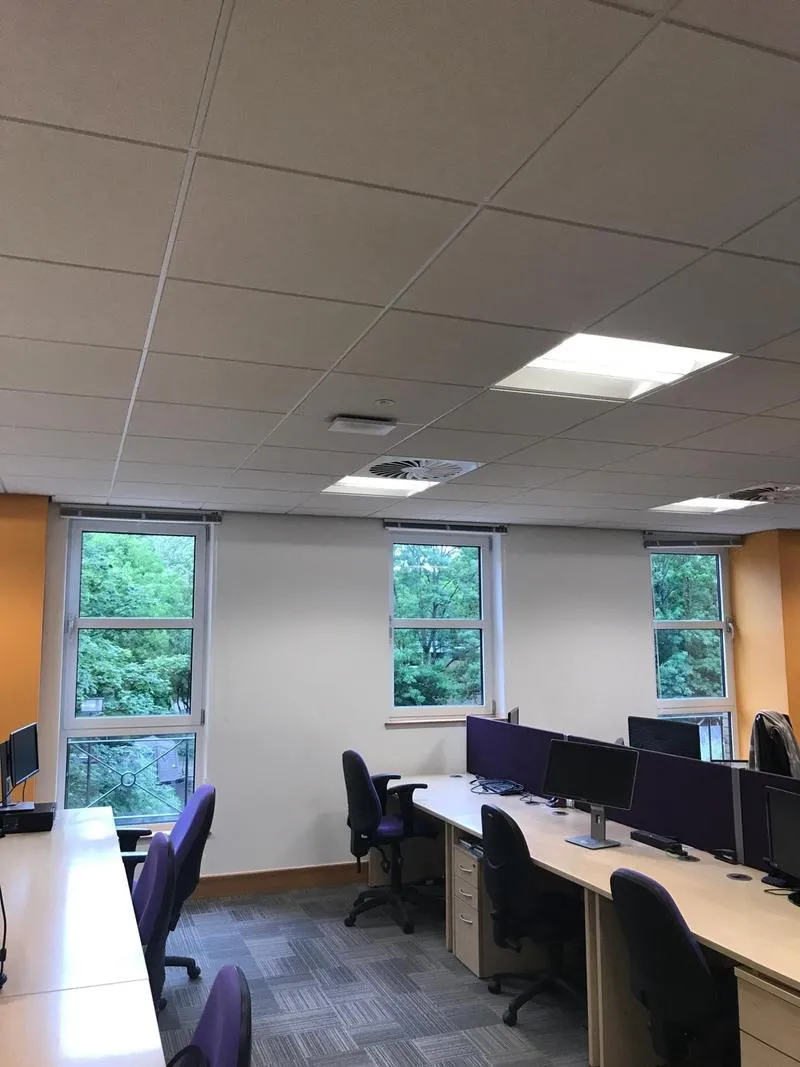
For businesses replacing an existing office wireless network in London, cutover can be carefully planned to minimise periods without connectivity.
This is especially useful where employees depend heavily on cloud platforms, VoIP, online meetings and other network-based services throughout the working day.
Corporate and guest WiFi networks
Many offices need more than one type of wireless access. Employees need secure access to corporate systems, while visitors, clients and contractors need internet connectivity without access to internal resources.
A professionally configured office WiFi system can separate network traffic by type. Depending on the environment, this may include:
- Corporate WiFi — secure connectivity for authorised staff and company devices.
- Guest WiFi — controlled internet access for visitors without exposing internal systems. More on guest WiFi and captive portals.
- IoT and building services — separate connectivity for compatible sensors, displays, smart devices and operational systems.
- Voice and specialist devices — network policies designed around particular workplace technology where required.
A good network structure creates a more manageable wireless environment while avoiding unnecessary complexity.
Office WiFi technology for modern workplaces
Office wireless technology continues to develop, with newer WiFi standards providing additional spectrum, performance and capacity when supported by compatible devices and infrastructure.
However, simply buying the newest access points does not guarantee a better network. The quality of an office WiFi installation depends on good RF design, correct access-point placement, appropriate configuration and sufficient wired infrastructure behind the wireless system.
Technology should be selected around workplace requirements, not installed purely because it is the latest available. What Wi-Fi 6E and Wi-Fi 7 actually change.
Why choose SEGwifi for office WiFi installation in London?
SEGwifi specialises in commercial wireless connectivity, rather than treating WiFi as an add-on to general IT services. We take a complete approach to office connectivity, taking organisations from investigation and design through to installation and final validation.
Our office WiFi services can include:
- WiFi surveys
- RF network design
- Predictive wireless modelling
- Office WiFi troubleshooting
- Access-point installation
- Structured network cabling
- Network configuration
- Corporate and guest WiFi
- Commissioning
- Post-installation validation
- Ongoing WiFi support and optimisation
Most importantly, we design the network around your building and your users, rather than relying on assumptions about how many access points an office of a particular size should need. For other building types, see business WiFi installation in London.
Upgrade your office WiFi in London
Slow video calls, dead zones and unreliable connections can quickly undermine an otherwise well-equipped workplace.
If your existing wireless network is struggling with modern working practices — or you are planning a new office and want to get the infrastructure right from the beginning — SEGwifi can help. From initial surveys and RF design to cabling, installation, commissioning and validation, we provide a complete office WiFi installation service in London.
Planning a new office network or struggling with your existing WiFi? Speak to SEGwifi today to arrange a professional WiFi survey and discuss the right wireless solution for your workplace.
FAQs about office WiFi installation in London
How many WiFi access points does an office need?
There is no standard number based purely on floor size. The right number depends on office layout, wall construction, number of devices, user density, meeting-room requirements, neighbouring networks and the applications employees use. A WiFi survey and professional network design provide a much more reliable answer.
Why is our office WiFi slow even though we have full signal?
A strong signal does not necessarily mean the network has enough capacity. If many devices compete for the same access point or wireless channel, performance can deteriorate even when coverage looks excellent. Interference, configuration and roaming problems can also contribute.
Can you install WiFi as part of a London office fit-out?
Yes. Planning WiFi during the fit-out stage lets you coordinate access-point positions, cabling and containment with the wider project before ceilings and finishes are complete.
Can you improve an existing office WiFi network?
Yes. We can survey existing office networks to identify coverage gaps, interference, capacity problems, poor access-point placement or configuration issues. You can then use the findings to decide whether to optimise, expand or replace the network.
Can office WiFi installation be completed outside working hours?
Where required, we can plan installation around business operations. Depending on the project and building, this could involve phased work, specific floors or areas, or agreed out-of-hours access.
Should our guest WiFi be separate from our employee network?
In most commercial environments, separating guest and corporate traffic is sensible. The exact network structure should be designed around the organisation's security, user and operational requirements.
More for London sites: business WiFi installation, managed WiFi, warehouse and industrial WiFi, point-to-point wireless links.
Let's find out what your Wi-Fi is actually doing.
Book a survey and you get measured data, a design you can build to, and a number you can budget against — not an opinion.
Our cabling, containment and power are installed under the group's accreditations — NICEIC, Constructionline Gold, CHAS and SafeContractor, held by The Specialist Electrical Group Ltd.




Talk to SEGwifi
Tell us about the building and what is going wrong. We will come back within one working day with the survey that answers it — or tell you that you do not need one.